GIF Optimizer
Make a GIF smaller without losing quality
Drop a GIF here
or choose a file from your device
GIF Optimizer Online: Reduce GIF Size Without Losing Quality
This is a free online GIF optimizer. Open a GIF, press one button and download a smaller file that looks exactly the same. The size in pixels, every frame, the timing and the colors stay untouched. There is no account to create, no watermark and nothing to install, and your GIF is never uploaded to a server.
Many GIFs repeat the same pixels again and again from one frame to the next. The optimizer stores only what actually changes, which makes the file lighter with no visible difference. If you want an even smaller file and can accept some loss, use our GIF compressor instead.
GIF Optimizer Features
One tap, a smaller GIF and the same picture.
- No loss of quality: The width, height, number of frames, speed and colors are all kept as they are. Only repeated data is removed, so the GIF looks the same as the original.
- One-tap optimization: There are no sliders and no settings to get wrong. Open the GIF, press Optimize GIF and you are done.
- Stores only what changes: Each frame keeps just the pixels that differ from the one before, and frames that are identical are merged. Screen recordings, cartoons and graphics shrink the most.
- See the savings: When the GIF is ready you get a preview, the new size and exactly how much smaller it is than the original.
- Honest results: If a GIF is already as small as it can be without changing how it looks, we tell you instead of giving you a bigger file.
- Private by design: Your GIF stays on your device. It is not uploaded anywhere, and closing the tab clears everything.
- Works on phones and tablets: The layout adapts to any screen and every control is sized for touch, so you can optimize a GIF on your phone as easily as on a laptop.
How to optimize a GIF in 3 steps
The whole process takes less than a minute.
Open your GIF
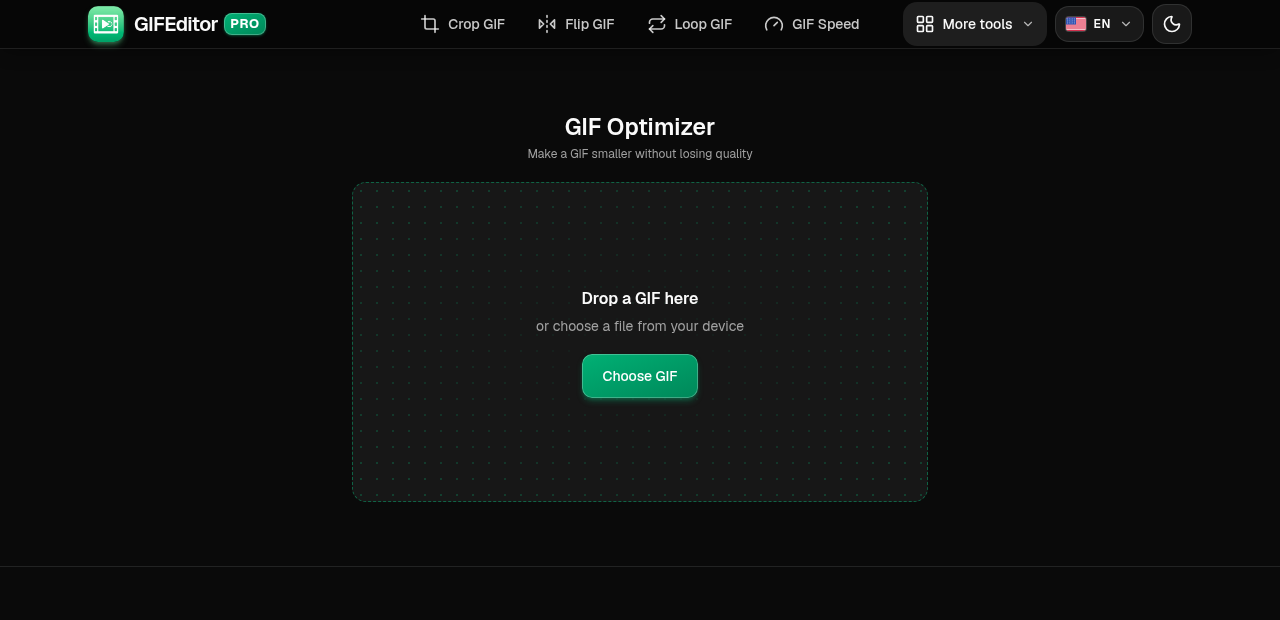
Drag a GIF onto the page or tap the button to pick one from your device. You will see its current size, dimensions and number of frames.
On this screen
- Choose GIF: opens your file picker. On a desktop you can also drop a file on the page.
Press Optimize GIF
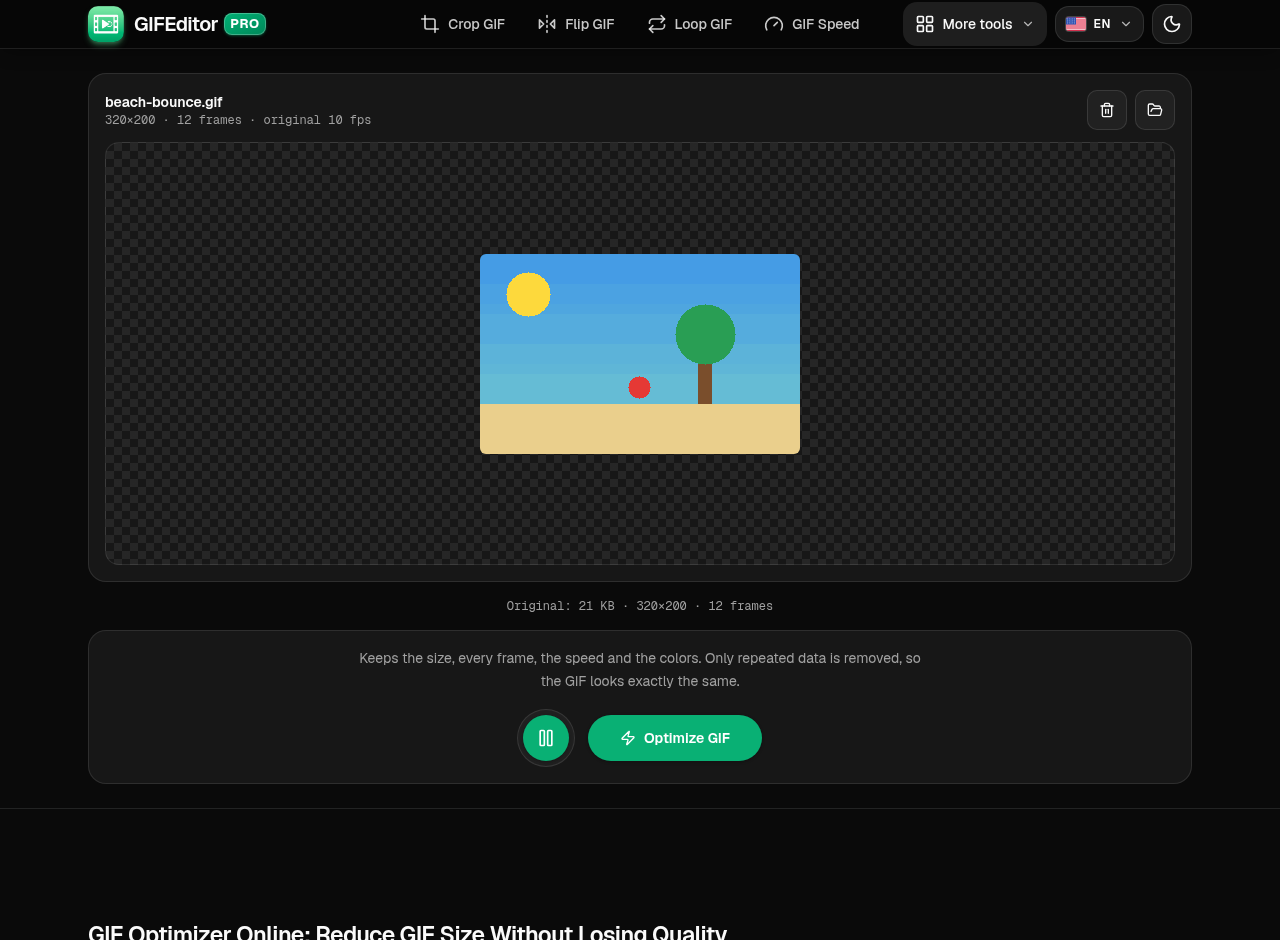
There is nothing to set. Press the button and the optimizer rebuilds the GIF with the same picture and less data.
Where everything is
- Play and pause: preview the original GIF.
- Optimize GIF: starts the optimization.
Download the smaller GIF
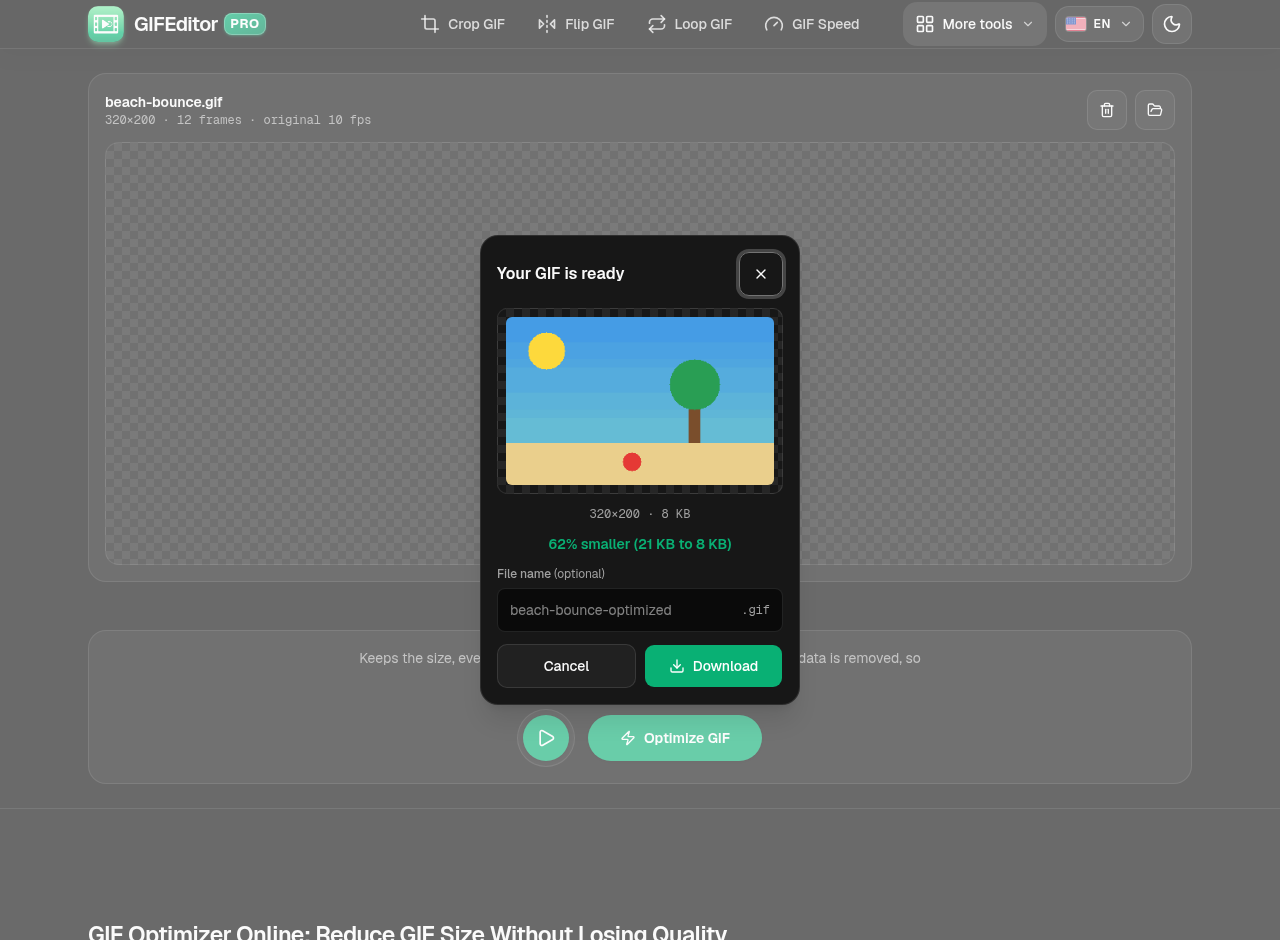
When it finishes you see the preview, the new file size and how much you saved. Rename the file if you like, then download it.
In the dialog
- Preview: the optimized GIF with its dimensions and size.
- Savings: how much smaller it is than the original.
- Download: saves the GIF to your device.
Frequently asked questions
How do I reduce the size of a GIF without losing quality?
Open the GIF and press Optimize GIF. The optimizer keeps the size, frames, speed and colors and removes only data that repeats from frame to frame.
Is the optimized GIF really identical to the original?
It looks identical. The picture, the number of frames and the timing are kept. GIFs can only show 256 colors per frame, and the optimizer keeps the exact colors whenever a frame fits in that limit.
What is the difference between the optimizer and the compressor?
The optimizer never changes how the GIF looks. The compressor can also lower the width, the number of colors and the frame rate to make the file much smaller, so it trades some quality for size.
Why did my GIF barely get smaller?
GIFs where every pixel changes on every frame, such as video clips and photos, have little repeated data to remove. To shrink those further, use the GIF compressor and accept a small loss of quality.
Is this GIF optimizer really free?
Yes. You do not need an account, there is no watermark on your GIF and there are no hidden limits.
Is my GIF uploaded to a server?
No. The optimization happens on your device and your file never leaves it. A refresh or closing the tab discards your work, so we warn you before you leave with a GIF open.
Does it work on iPhone, Android and tablets?
Yes. It works on phones and tablets, and the controls are sized for touch. Very long or large GIFs can be heavy for a phone.