Loop GIF Online
Free GIF Looper
Drop a GIF here
or choose a file from your device
Loop GIF Online: Free GIF Looper Tool
This is a free online GIF looper. Open an animated GIF, choose whether it repeats forever, plays once or repeats a set number of times, and download the new GIF in a few seconds. There is no account to create, no watermark on the result and nothing to install.
People change the loop of a GIF to stop an animation that never ends, to make a reaction play just once, or to repeat it a few times before it stops on the last frame. If you also need to crop, flip, shorten or speed up the GIF, our full GIF editor on the home page does that too.
Loop GIF Features
A GIF looper that does one job and does it well.
- Loop forever: Make the GIF repeat without end, the way most GIFs on the web play.
- Play once: Stop the animation after a single play. It stays on the last frame, which is ideal for a punchline or a reveal.
- Repeat a set number of times: Pick 2, 3, 4, 5, 10 or 20 plays and the GIF stops on its own when it gets there.
- See the result before you save: The preview follows the loop you chose, so you can watch it repeat and stop before you create the file.
- Same picture, same speed: Only the loop changes. Every frame keeps its original timing and the picture is not resized.
- No watermark, no sign-up: You do not need an account, and the GIF downloads clean, without a watermark.
- Private by design: Your GIFs stay on your device. They are not uploaded to a server, and closing the tab clears everything.
- Works on phones and tablets: The layout adapts to any screen size and every control is built for touch, so you can loop a GIF on your phone as comfortably as on a laptop.
How to loop a GIF online in 3 steps
It takes under a minute. Each screen below has the important parts numbered.
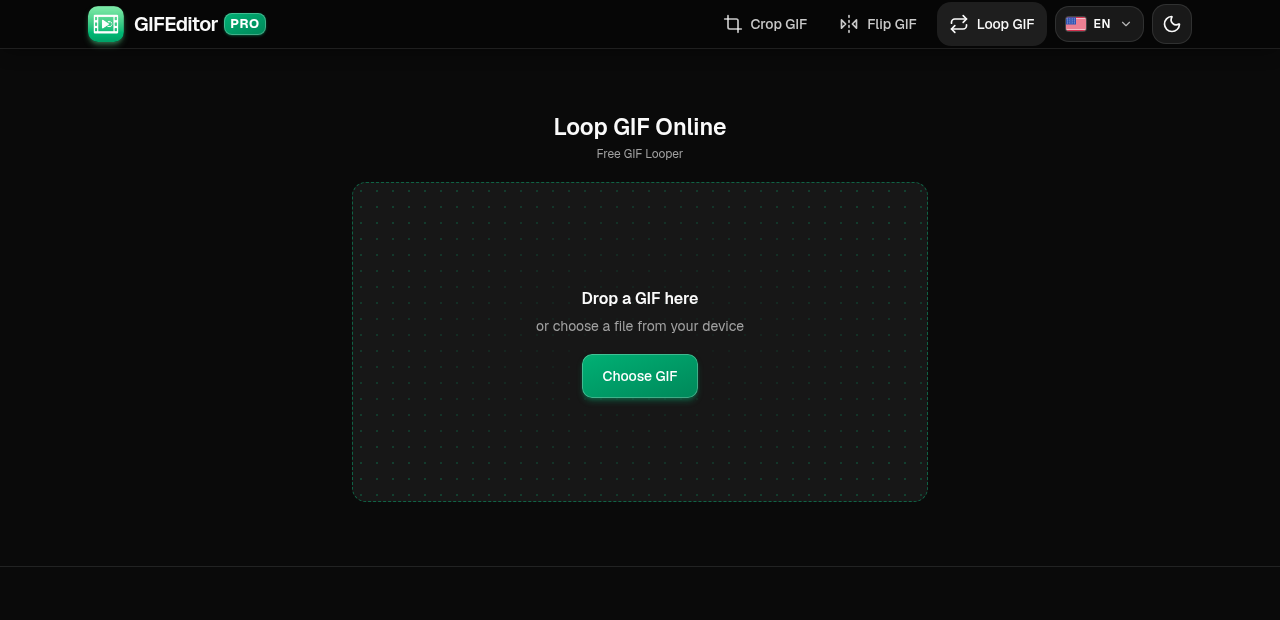
Open your GIF
Drag a GIF onto the page or tap Choose GIF to pick one from your phone, tablet or computer. This tool works with GIF files only.
On this screen
- Choose GIF: opens your file picker. On a computer you can also drop the file anywhere on the page.
Choose how many times it plays
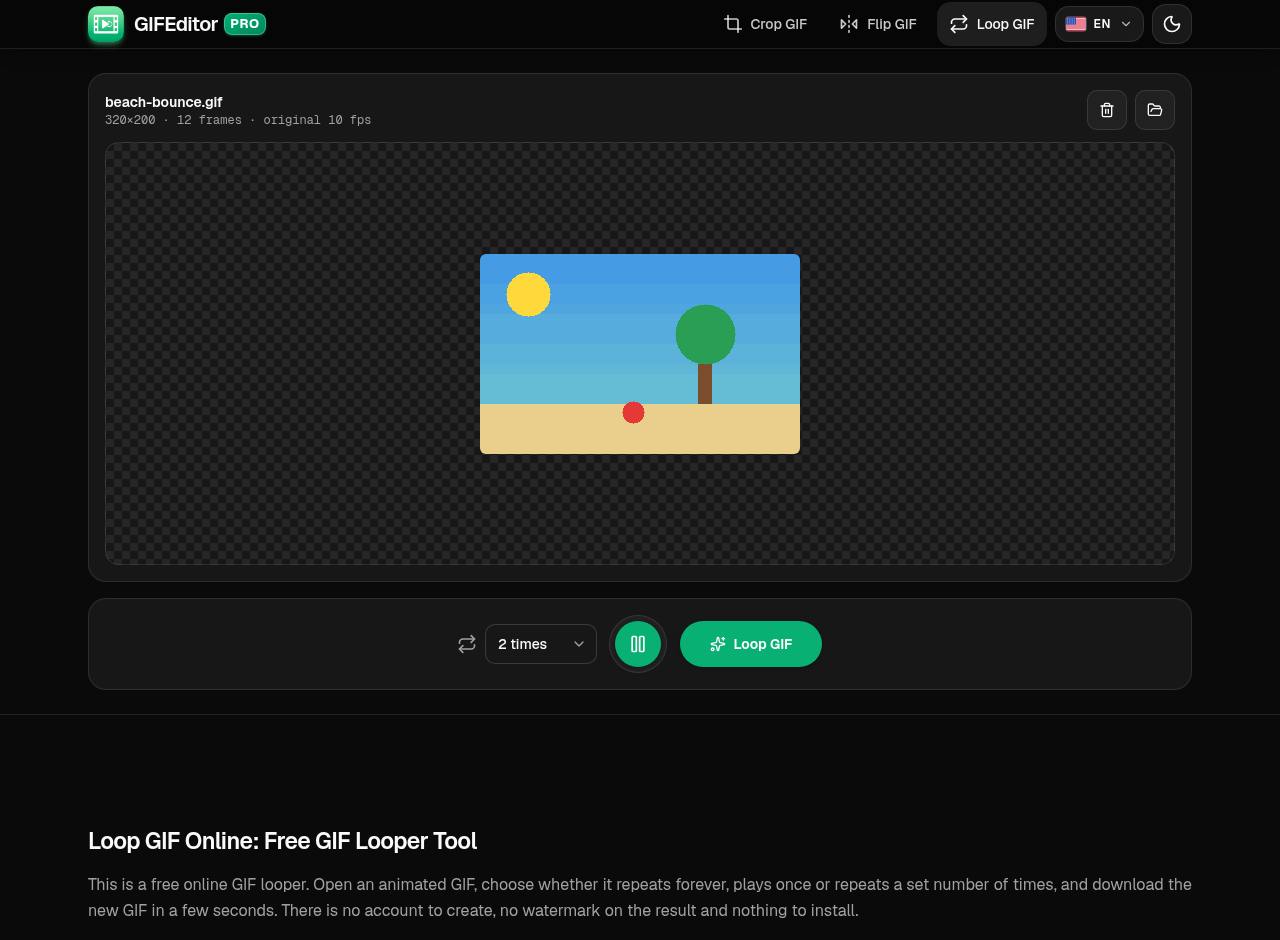
Your GIF opens with a loop menu under the preview. Pick Forever, Once or a number of times, then press Play to check it.
Where everything is
- Loop menu: choose Forever, Once or a number of plays.
- Play: preview the animation with your loop.
- Loop GIF: creates your new GIF.
Create and download your GIF
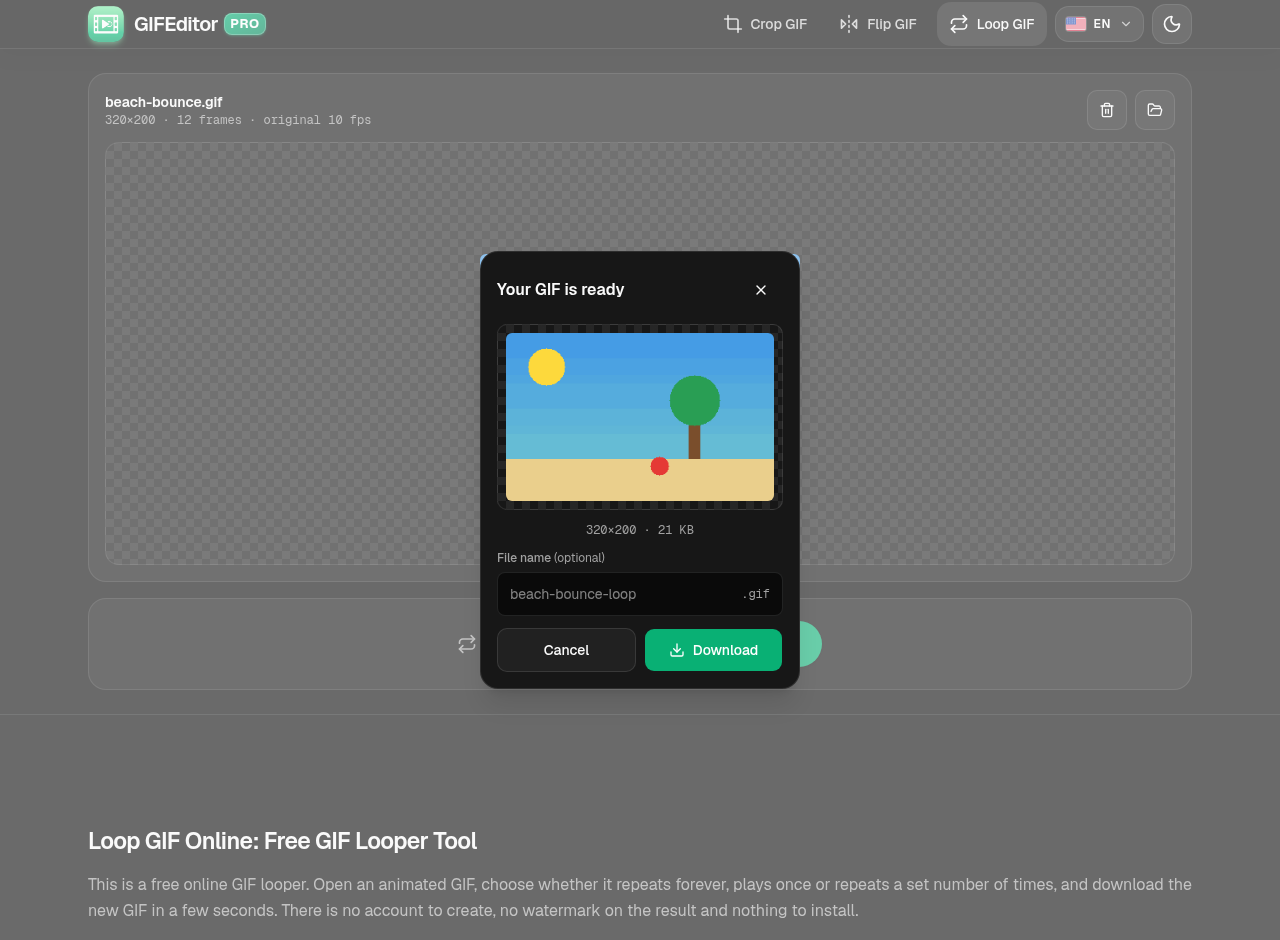
You get a preview and the final size before anything is saved. Rename the file if you like, then download it.
In the dialog
- Preview: the new GIF, with its dimensions and file size.
- File name: optional. Leave it empty to keep the default name.
- Download: saves the GIF to your device.
Frequently asked questions
Is this GIF looper really free?
Yes. You do not need an account, there is no watermark on your GIF and there are no hidden limits to unlock. Open a GIF, choose a loop and download the result.
How do I make a GIF loop?
Open your GIF, choose Forever in the loop menu, press Loop GIF and download the result.
How do I make a GIF play only once?
Choose Once in the loop menu, then press Loop GIF. The new GIF plays a single time and stays on its last frame.
How do I stop a GIF from looping?
Choose Once. If you want it to repeat a few times and then stop, pick a number of times instead.
Does every app respect the loop setting?
Browsers and most messaging apps do. A few apps and social networks ignore it and always loop a GIF forever, so check where you plan to share it.
Does changing the loop lower the quality?
The picture is not resized. A GIF can only use 256 colors per frame, though, so the file is encoded again and very smooth gradients may look slightly different. GIFs wider than 480 pixels are scaled down to 480 pixels wide when they open.
Are my GIFs uploaded anywhere?
No. Your files stay on your device and are never uploaded to a server. That also means a refresh or closing the tab discards your work, which is why we warn you before you leave with a GIF open.
Is there a limit on how long the GIF can be?
Up to the first 300 frames are used. If your GIF is longer, shorten it first with the full GIF editor on the home page.
Can I loop a GIF on iPhone, Android or a tablet?
Yes. The tool works in the browser on phones and tablets, and the controls are sized for touch.