GIF Speed Changer
Speed up or slow down a GIF
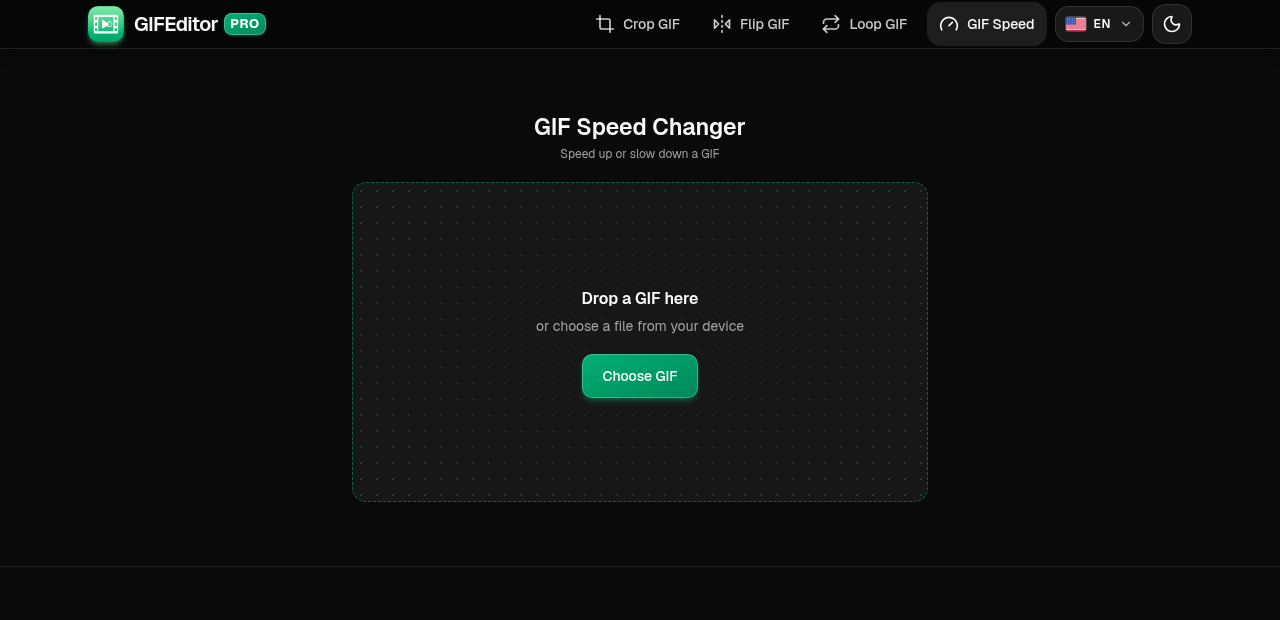
Drop a GIF here
or choose a file from your device
GIF Speed Changer Online: Speed Up or Slow Down a GIF
This is a free online GIF speed changer. Open an animated GIF, choose a speed from 0.25x to 4x, watch the preview and download the new GIF in a few seconds. There is no account to create, no watermark on the result and nothing to install.
People change the speed of a GIF to make a slow animation snappier, to slow down a fast moment so it is easier to follow, or to fit a reaction to the pace of a chat. If you also need to crop, flip, loop or shorten the GIF, our full GIF editor on the home page does that too.
GIF Speed Changer Features
A GIF speed changer that does one job and does it well.
- Speed up a GIF: Play it at 1.5x, 2x, 3x or 4x to get a quicker, punchier animation.
- Slow down a GIF: Play it at 0.75x, 0.5x or 0.25x to see every detail of a fast moment.
- See the result before you save: The preview plays at the speed you chose, so you can check it before you create the file.
- Same picture, same loop: Only the timing changes. The picture is not resized, no frames are removed and the GIF keeps repeating.
- Smooth timing: Every frame keeps its own timing, scaled to the new speed, so pauses and quick moments stay in proportion.
- No watermark, no sign-up: You do not need an account, and the GIF downloads clean, without a watermark.
- Private by design: Your GIFs stay on your device. They are not uploaded to a server, and closing the tab clears everything.
- Works on phones and tablets: The layout adapts to any screen size and every control is built for touch, so you can change the speed of a GIF on your phone as comfortably as on a laptop.
How to change the speed of a GIF online in 3 steps
It takes under a minute. Each screen below has the important parts numbered.
Open your GIF
Drag a GIF onto the page or tap Choose GIF to pick one from your phone, tablet or computer. This tool works with GIF files only.
On this screen
- Choose GIF: opens your file picker. On a computer you can also drop the file anywhere on the page.
Choose a speed
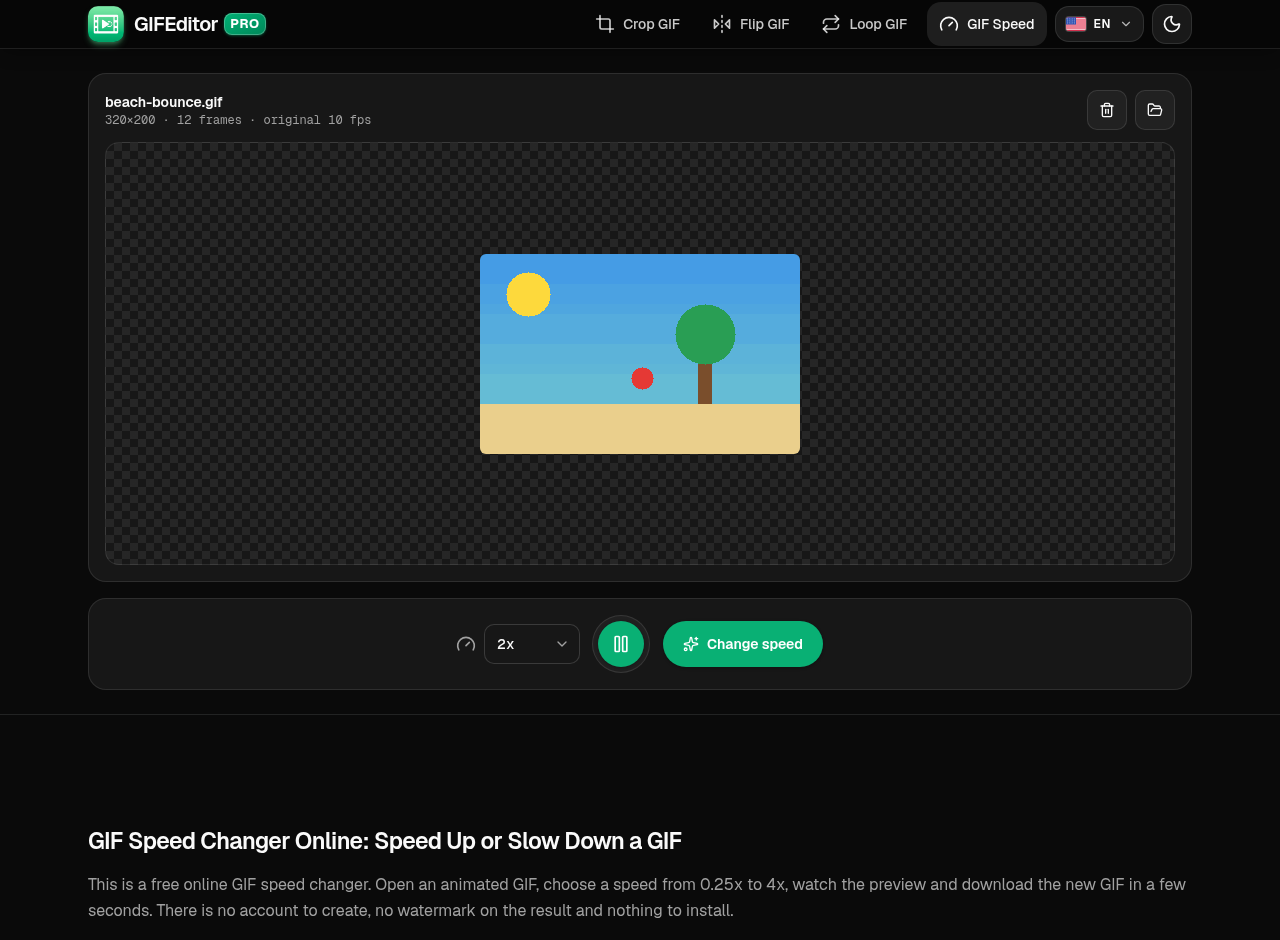
Your GIF opens with a speed menu under the preview. Pick a speed, then press Play to watch it at that pace.
Where everything is
- Speed menu: choose a speed from 0.25x to 4x.
- Play: preview the animation at your speed.
- Change speed: creates your new GIF.
Create and download your GIF
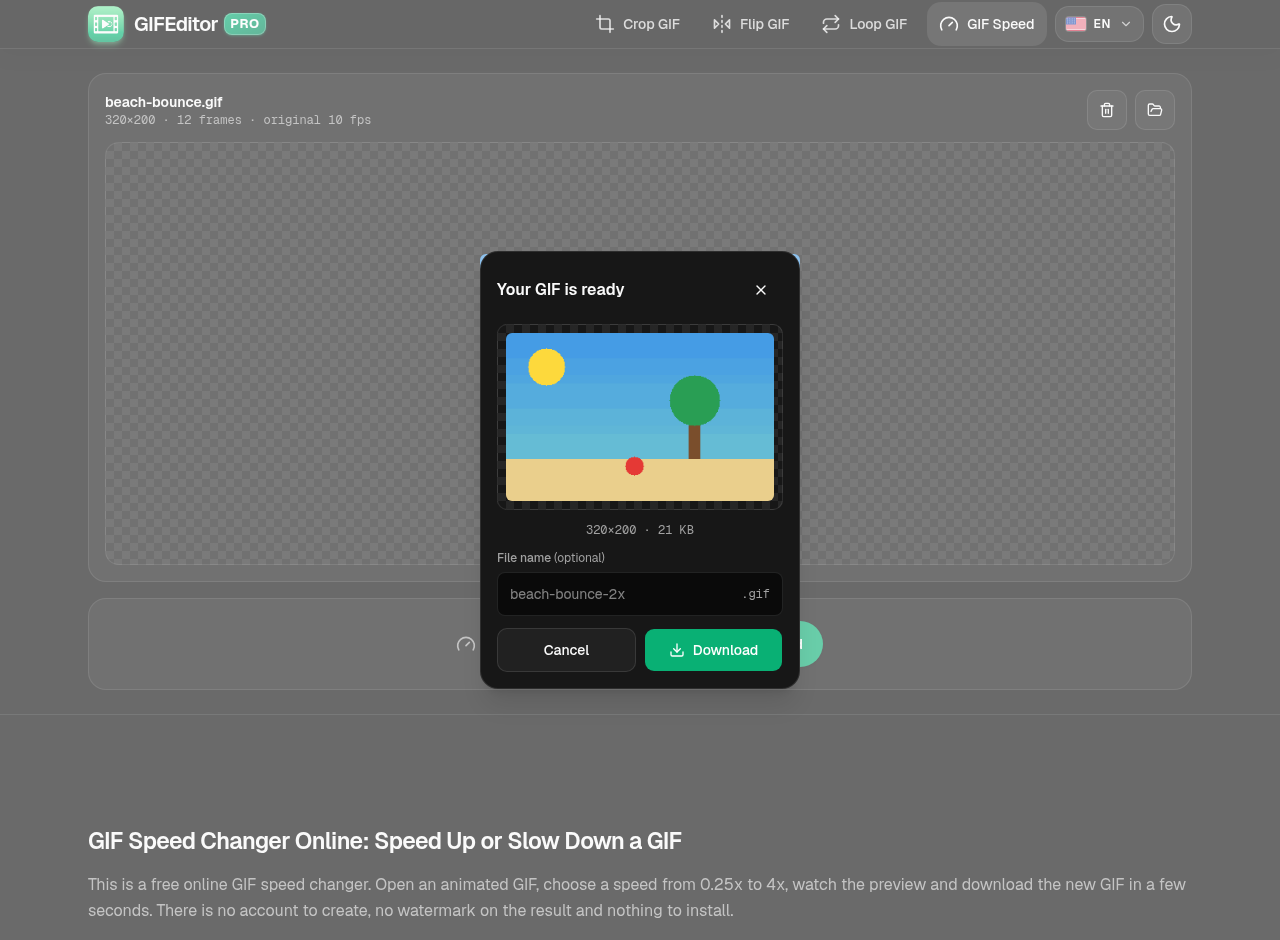
You get a preview and the final size before anything is saved. Rename the file if you like, then download it.
In the dialog
- Preview: the new GIF, with its dimensions and file size.
- File name: optional. Leave it empty to keep the default name.
- Download: saves the GIF to your device.
Frequently asked questions
Is this GIF speed changer really free?
Yes. You do not need an account, there is no watermark on your GIF and there are no hidden limits to unlock. Open a GIF, choose a speed and download the result.
How do I speed up a GIF?
Open your GIF, choose 2x, 3x or 4x in the speed menu, press Change speed and download the result.
How do I slow down a GIF?
Choose 0.75x, 0.5x or 0.25x in the speed menu, then press Change speed. At 0.5x the GIF takes twice as long to play.
Is there a limit to how fast a GIF can play?
GIFs store the time of each frame in hundredths of a second, and most apps will not show a frame for less than 0.02 seconds. Very fast GIFs sped up to 4x may therefore not get any faster in some apps.
Does changing the speed lower the quality?
The picture is not resized. A GIF can only use 256 colors per frame, though, so the file is encoded again and very smooth gradients may look slightly different. GIFs wider than 480 pixels are scaled down to 480 pixels wide when they open.
Are my GIFs uploaded anywhere?
No. Your files stay on your device and are never uploaded to a server. That also means a refresh or closing the tab discards your work, which is why we warn you before you leave with a GIF open.
Is there a limit on how long the GIF can be?
Up to the first 300 frames are used. If your GIF is longer, shorten it first with the full GIF editor on the home page.
Can I change the speed of a GIF on iPhone, Android or a tablet?
Yes. The tool works in the browser on phones and tablets, and the controls are sized for touch.